
Can I skip my subscription this month?Updated 2 months ago
Absolutely! You have full control.
Here are the simple steps to skip your next order:
1. Login to your account

2. Once logged in, click “Manage Subscription”

3. Click “Delivery schedule”

4. Click “Skip”
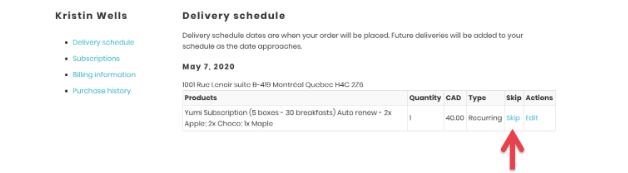
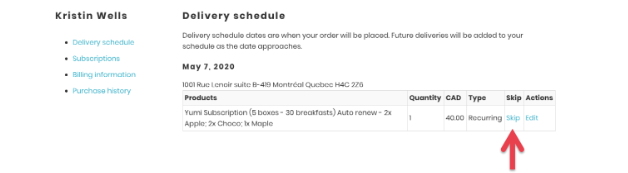
The word “Skip” will now be replaced by “Unskip”. That means you’ve successfully skipped your subscription and will not be charged. If you change your mind, you can click “Unskip” anytime prior to your scheduled billing date.