
How do I cancel my subscription?Updated 2 months ago
We're sorry to see you go!
Here are the steps to discontinue your subscription:
1. Login to your account
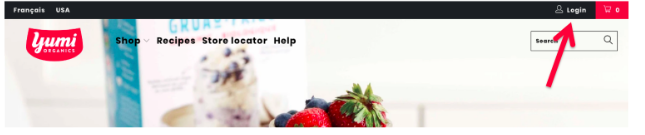
2. Once logged in, click “Manage Your Subscription”
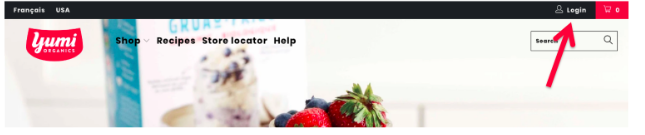
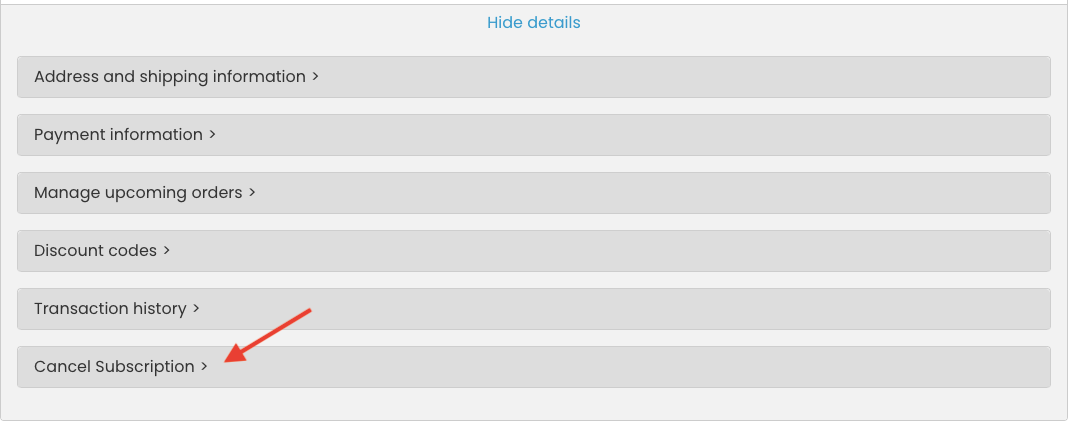
3. Click "View details"
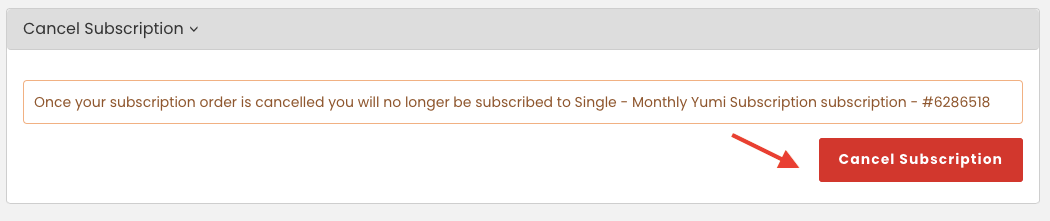
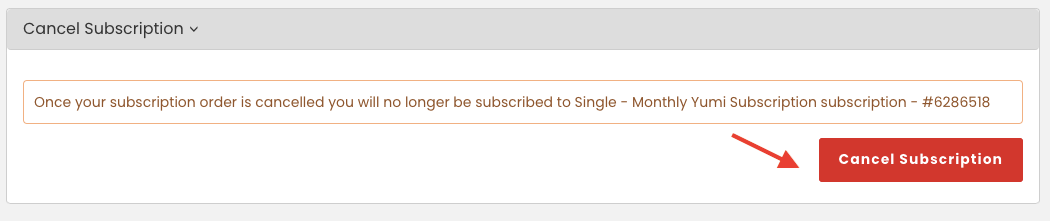
4. Click "Cancel Subscription"
5. Click “Cancel subscription” to confirm cancellation
Your Yumi subscription is now canceled and you will not receive any future recurring charges.
If you ever wish to restart, you can easily reactivate your subscription!